
Treasure Points
Find it. Scan it in TAP. Earn it. Before someone else does.
TAP Treasure Points are physical QR codes hidden around your city. Find one, scan it in the TAP app, and earn real rewards. Every mark has a limited number of scans. Every mark has a deadline. After that — nothing.

How it works
-
Some Treasure Points appear on the map in your TAP app — tap any marker to see its location, remaining scans, and expiry time. Navigate there and find the physical QR code.
Other Treasure Points aren't on the map at all. They're placed around the city without announcement. The only way to find these is to find them — by exploring, by paying attention, by being somewhere and noticing something most people walk past.
Both types are out there at the same time.
-
When you're standing at the location, open the TAP app. On the home screen, tap the scan icon.
Point your camera at the Treasure Point QR code and scan it directly.
This is important: only the TAP app scanner will work. Your phone's built-in camera, your camera app, any other QR code reader — none of these will claim your reward. They may read the code, but they cannot verify your location or process your points. Only the TAP scanner does both.
If you're at the right place, scanning the right code, using the TAP scanner — your reward confirms instantly.
-
Points land in your TAP account the moment your scan confirms. They're redeemable immediately in the TAP marketplace — hotels, restaurants, experiences across the city, funded entirely by TAP.
Limited Drop marks carry specific prizes rather than standard points. If you're the first — or among the first — to scan a Limited Drop, the prize is yours.
-
Remaining scans. Every mark has a fixed number of scans available. When they're gone, they're gone — even if the mark is still physically there. The app shows how many scans remain on each active mark. If it shows zero, the mark is closed.
Expiry time. Every mark has a deadline. Some marks run for weeks. Some run for days. Some run for hours. The app shows the exact date and time each mark expires. After that moment, the mark will not scan regardless of how many scans remain.
Don't travel to a mark without checking both. A mark that was active when you left may not be active when you arrive.
Find it. Scan it in TAP. Earn it. Before someone else does.
Use the TAP Scanner
QR codes will NOT scan unless you use the scanner inside the TAP application
How to use the TAP scanner:
Open the TAP app.
Touch the Scan Icon on the Home Screen.
Point your camera at the Treasure Point QR code. Hold it steady for a moment. If you're in the right place, it confirms immediately.
That's it. The TAP scanner is designed to be as fast as any other scanner. The only difference is that it actually gets you your reward.
If you scan a Treasure Point with your camera app and nothing happens — that's why. Open TAP and scan again.
The Map
The map is a starting point. Not the whole story.
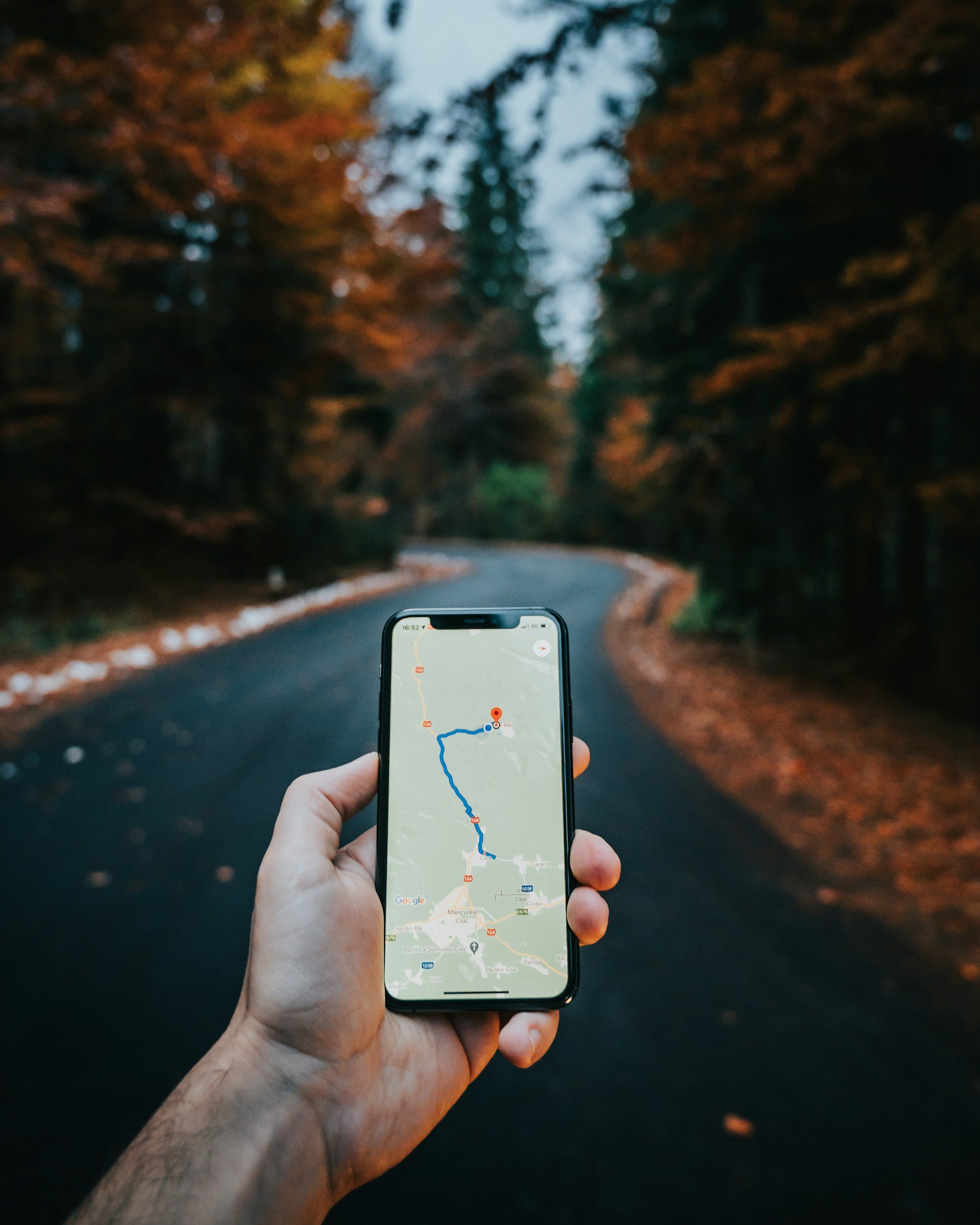
The map inside the TAP app shows active Treasure Points. Each marker shows the location, the number of scans remaining, and the expiry time. These are your confirmed, findable marks — go there, find the physical code, scan it in TAP.
But the map doesn't show everything.
Hidden Treasure Points are placed in the city without any map marker, without any announcement. These can be amazing rewards, points, cash, products, experiences, the possibilities are endless.
The practical advice: if you find something that looks like a Treasure Point, scan it in the TAP app immediately.
The city moves quickly. So do the marks.
Frequently Asked Questions
Still have questions? Take a look at the FAQ or reach out anytime.
-
No. Your camera app can read the QR code but it cannot verify your location or process your reward. Only the TAP app scanner does both. If you use any scanner other than TAP, nothing will happen. Open the TAP app, tap the scan icon on the home screen, and scan from there.
-
Tap any map marker in the TAP app to see the remaining scan count and exact expiry time. Check both before you travel. Scan counts update in real time — a mark showing five scans when you tap it may show fewer by the time you arrive.
-
The mark will not confirm and no reward will release. Scan counts are visible before you travel — checking them before leaving is the best way to avoid this. If a mark runs out while you're travelling to it, we're sorry. It happens. It's what makes finding an active one feel like something.
-
Each mark can be scanned once per user. A second scan by the same account will not release a second reward.
-
Scan it in the TAP app immediately. Check the confirmation for remaining scans and expiry. If it's active, your reward lands instantly. If it's already closed, the app will tell you. Either way, finding something that wasn't on the map means you were in the right place at the right time. Keep that habit.
-
No. Physical codes remain in place after a mark closes — we rotate and replace them on our own schedule. A code that doesn't confirm in the TAP app has either hit its scan limit or passed its expiry time. Both are final. The physical presence of the code doesn't change this.
-
Yes — as long as the mark is still active and you have scans remaining. Open the TAP app, go to the scan screen, and scan the code again using the TAP scanner. The camera app scan doesn't count against you and doesn't close the mark. Just scan again in TAP.
-
We don't say. That's what makes them hidden. Keep your eyes open in the city and scan anything that looks like it might be a Treasure Point. The TAP scanner will tell you instantly whether it's active.
-
Contact us at team@gettaprewards.com with the location and we'll investigate. If the mark is still active, we'll arrange a replacement. If it was already due for rotation, we'll let you know.
-
Yes. Sharing is allowed and encouraged. Note that hidden marks have limited scans and expiry times — by the time your friend arrives, the window may have closed. Tell them quickly and tell them to use the TAP scanner.